

Printer Maintenance
Loading Paper


Printer Paper Settings


Replacing Ink
How to change the ink in the Epson Expression Printer
(Small-Format)
There are several ink cartridges used in the printer. When a color is running out, the ink light will begin to blink.
It is important to change the ink cartridge to ensure higher quality prints.
Be sure to dispose of the used ink cartridge in the provided receptacle (they get recycled) and discard the packaging.


What do you do if the print has lines in it?
First, make sure you set the paper type correctly because that can affect the printing quality.
Does any ink need to be replaced? Is the ink light blinking on the printer?
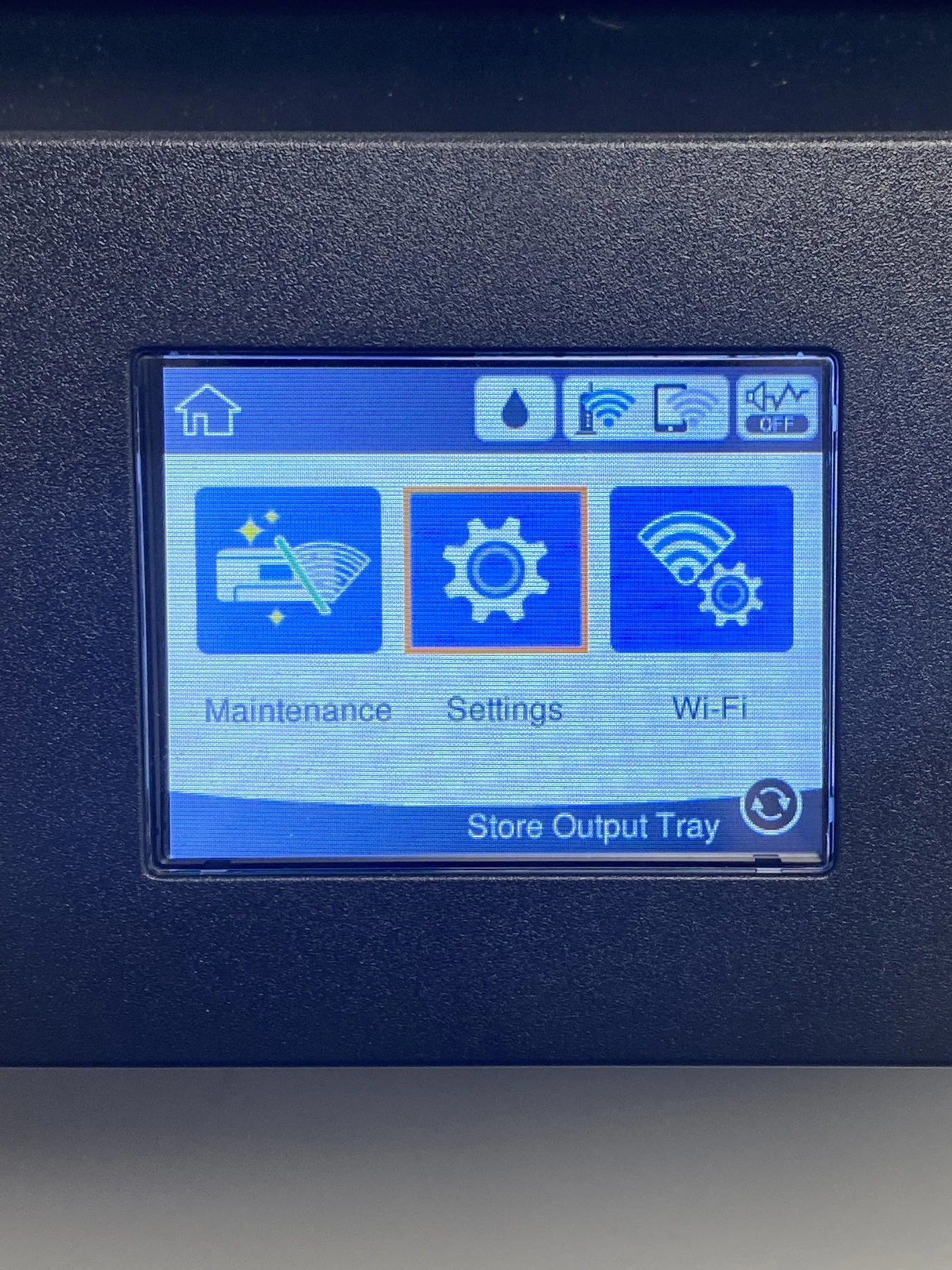
If your paper type is set correctly and the ink is correct, then you need to clean the printer heads.

Example of print that shows off-colored lines.